Retail inventory management software

POS inventory system: Master your stock from suppliers to sales

Track stock, manage suppliers and sell across all channels with Lightspeed’s in-built inventory management software, designed for growing, multi-location retailers.
$98.1B

Processed in GTV through Lightspeed’s platform in fiscal 2026 *

~146K

~146K locations around the world trust Lightspeed **

20

Years of industry expertise

Manage stock seamlessly with one POS inventory system

Lightspeed Retail brings advanced inventory control, built-in wholesale ordering and mobile tools together in a single platform—helping multi-location retailers scale without the complexity of an ERP.

Connect with suppliers

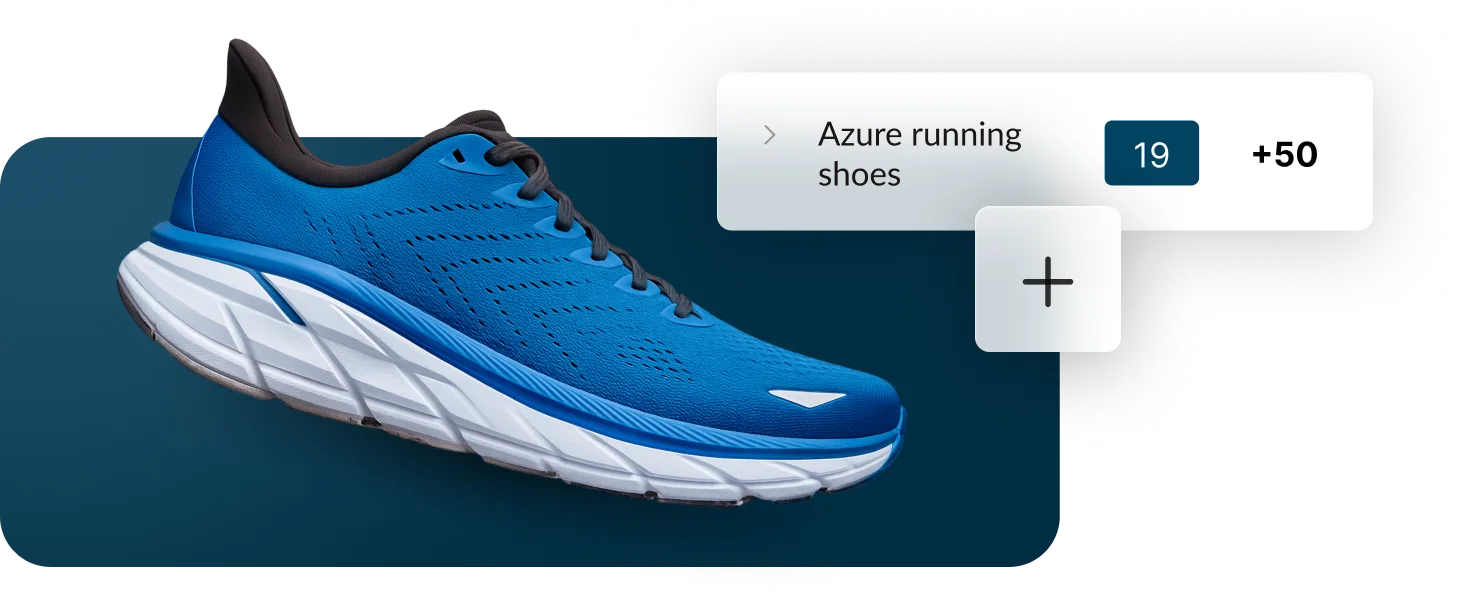
Browse and buy instantly from the built-in NuORDER Catalog.

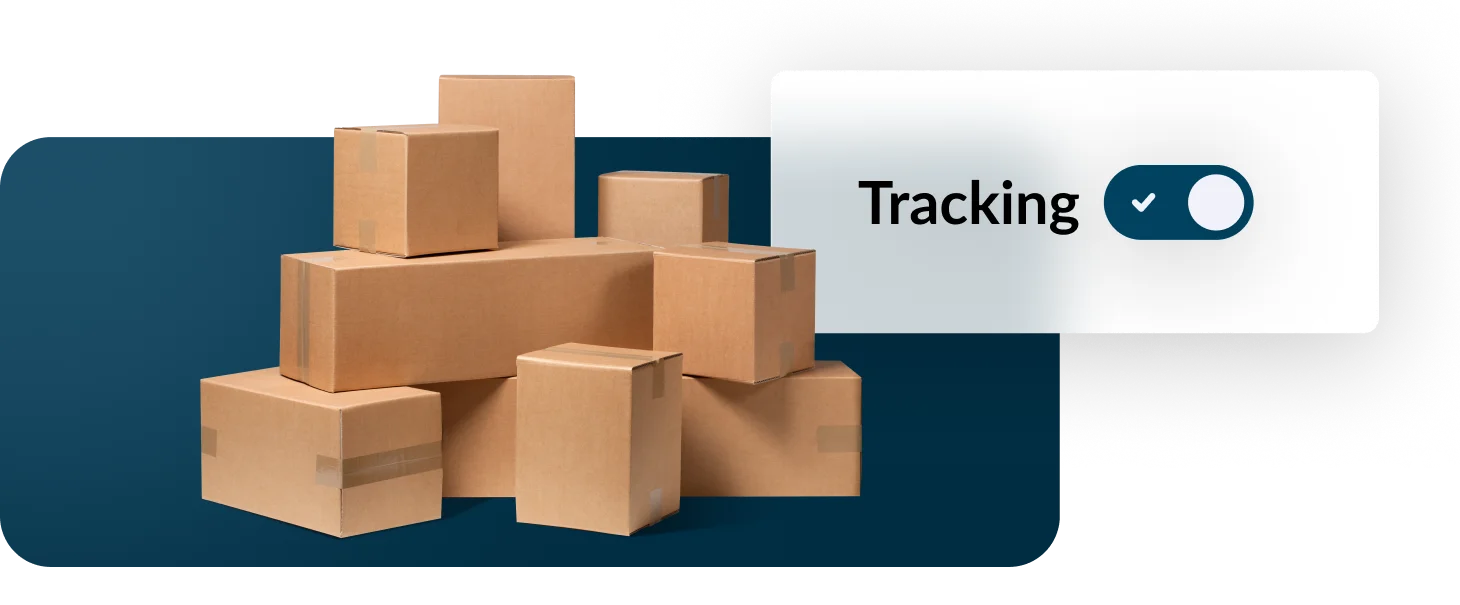
Track inventory across channels

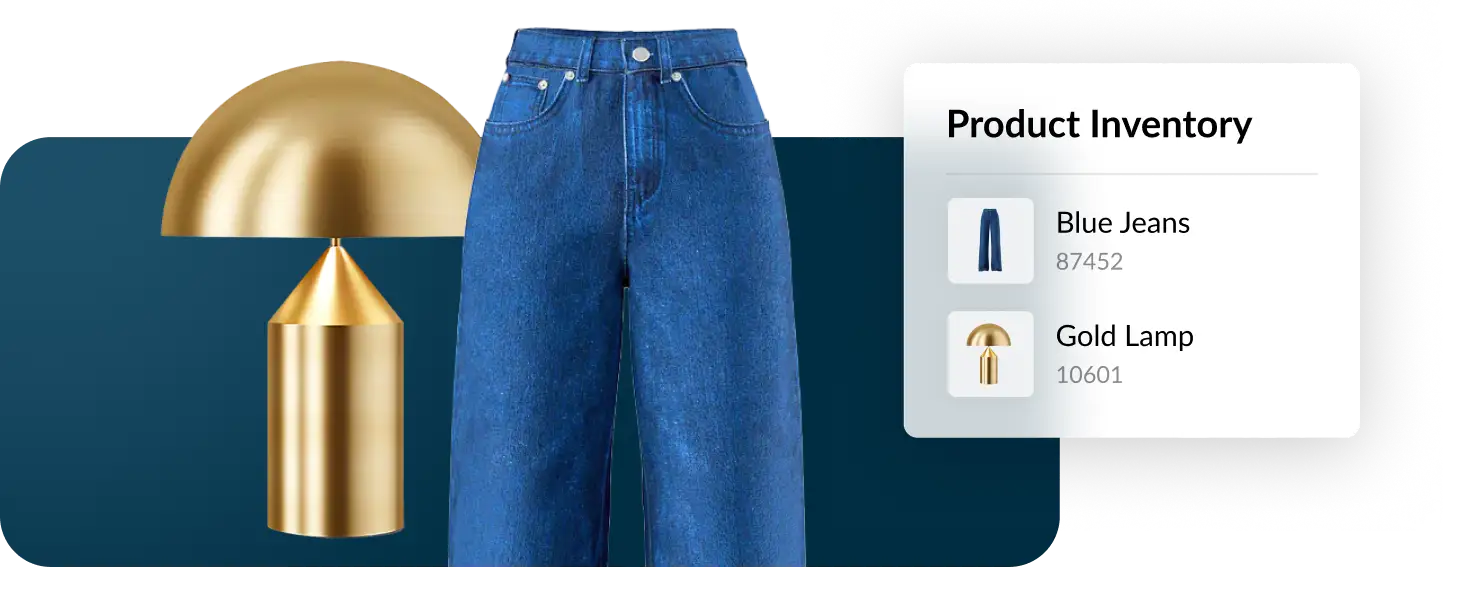
Keep stock levels consistent across stores, online, social media, and marketplaces.

Enter it once, not twice

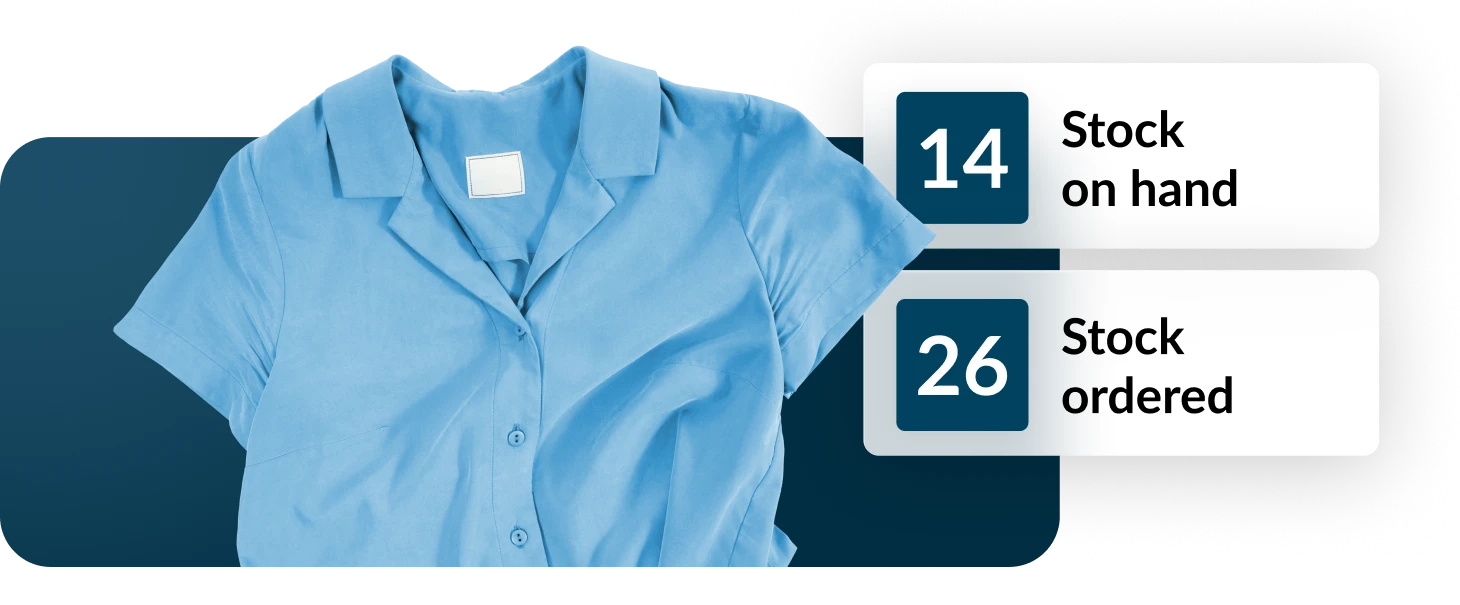
Stock levels and costs update automatically when you receive stock.

Know your true costs

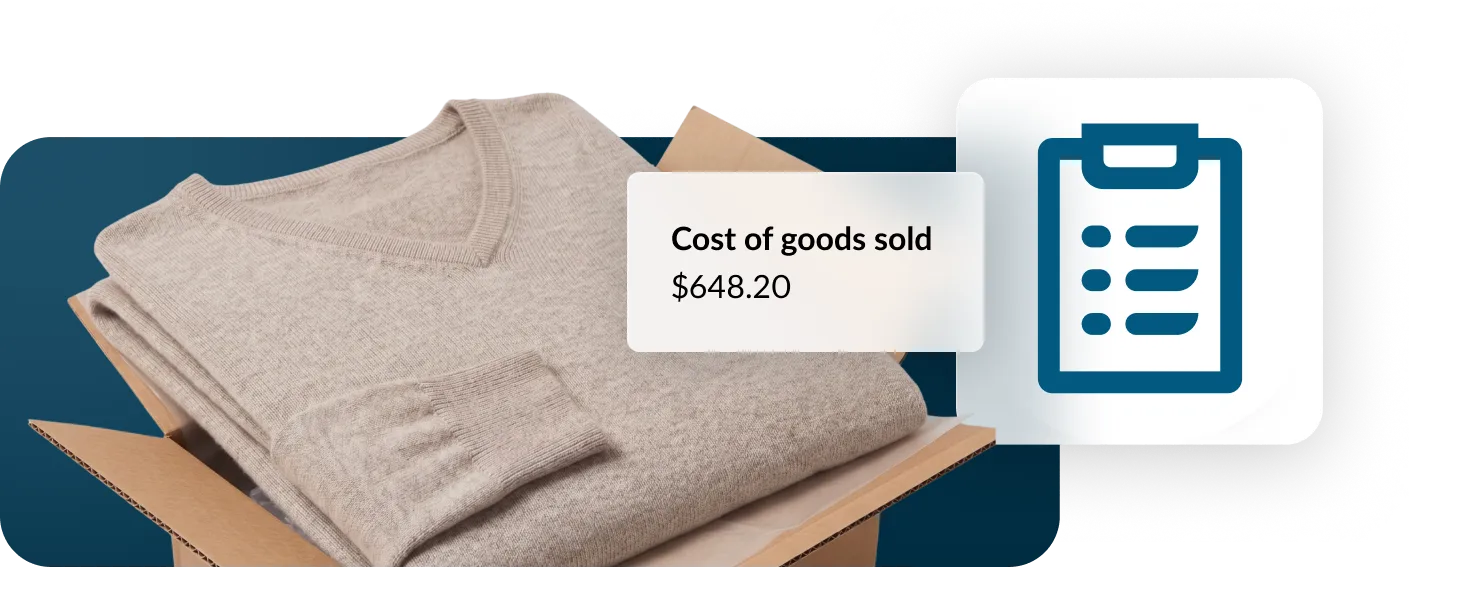
See margins and COGS based on latest pricing and landed costs.

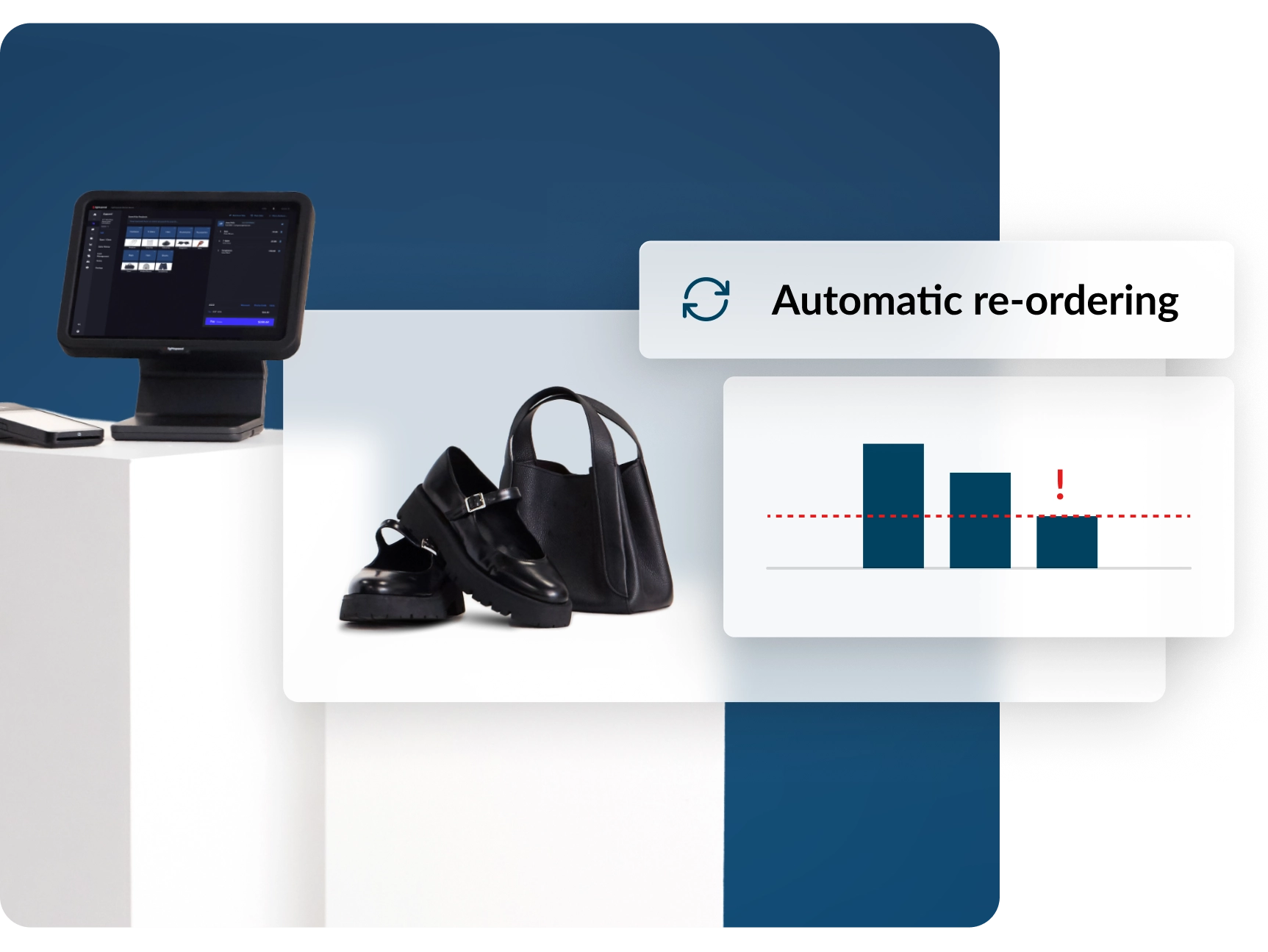
Take the guesswork out of restocking

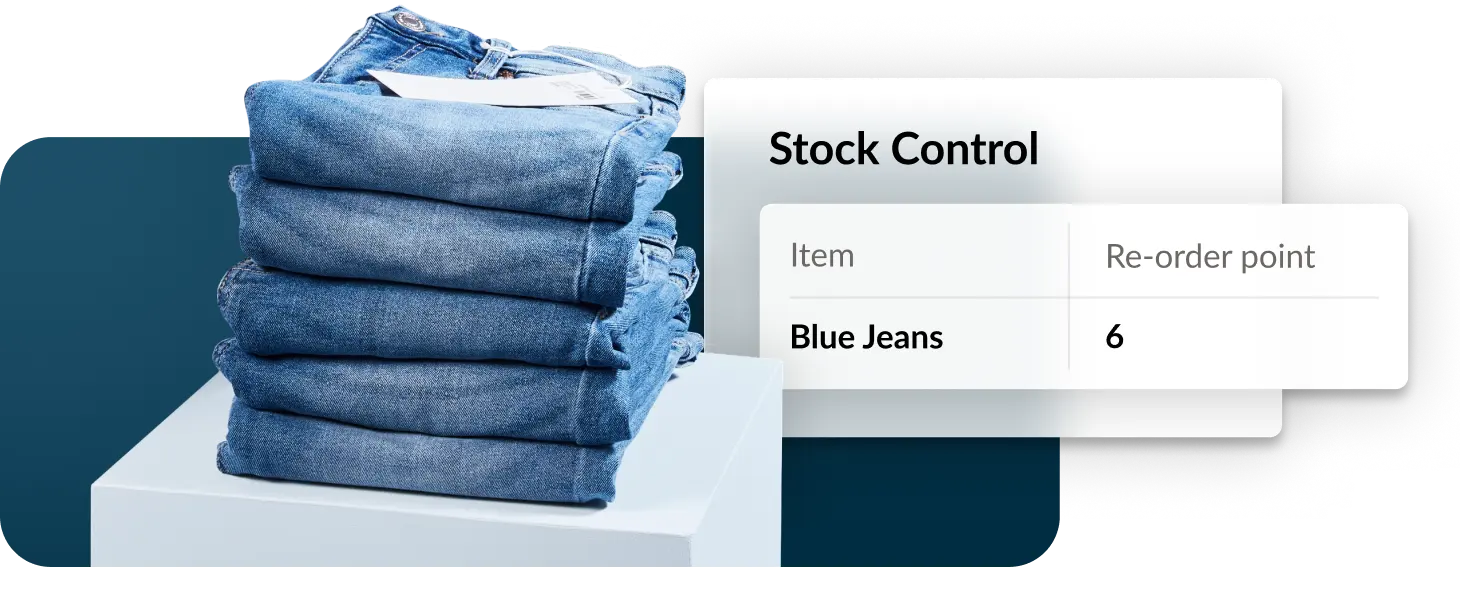
Easily set reorder points or ideal minimum/maximum stock levels across core products.

Simplify stock counts

Cut shrinkage with fast, mobile-friendly inventory counts.

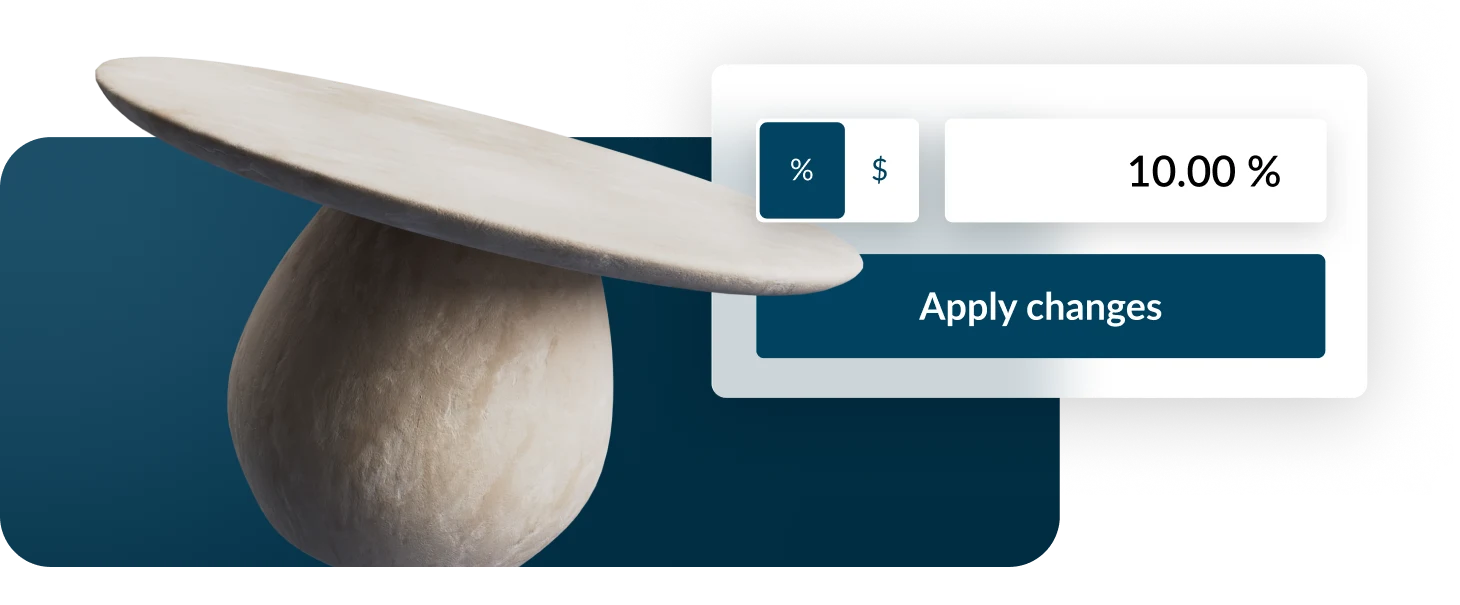
Update prices easily

Apply pricing changes across all channels in just a click.

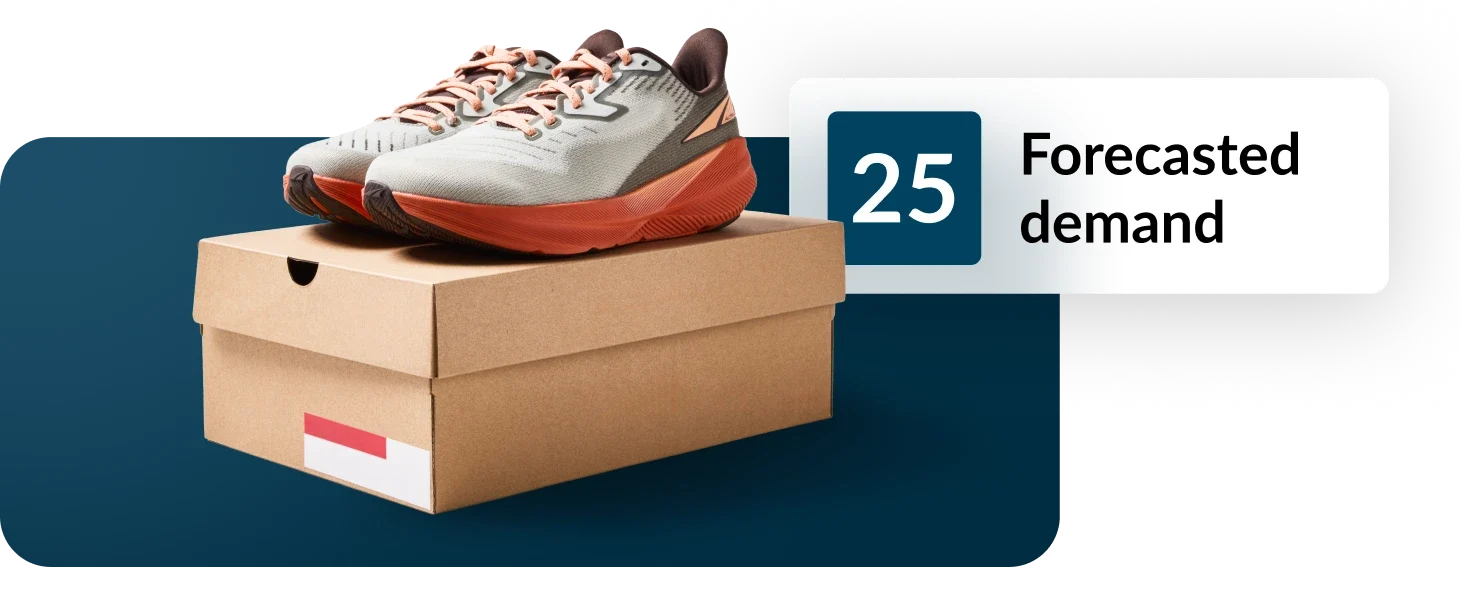
Use data to your advantage

Forecast demand, spot slow movers and draft POs from reports.

Boost efficiency

Automate manual tasks like stock ordering and stock counts.

Buy wholesale from top brands with Lightspeed Wholesale

Unlike other platforms, wholesale is built directly into Lightspeed POS via a seamless integration with NuORDER—so you can discover brands, place orders and sync product data without juggling separate systems.

  • Stock your store faster, browse thousands of brands and add products in just a few clicks.
  • Reduce manual work by automating product setup with accurate descriptions and pricing synced to your POS.
  • Buy smarter with real-time performance data and order trend insights, including top categories, sizes and colors, to guide confident purchasing decisions.
  • Create and send POs in one click from your POS inventory system, with details synced automatically to reduce double work, manual updates and errors.

Meet your customers anywhere with Lightspeed Scanner

From taking payments on the shop floor, to counting stock and fulfilling orders, Lightspeed Scanner makes it easy to manage your operations right from your smart phone*.

  • Sell anywhere: Accept eligible in-person, contactless payments right on your smartphone.
  • Stay accurate: Count stock, track items across locations and reduce discrepancies.
  • Fulfill faster: Pick, pack and ship online orders with barcode scanning and mobile-friendly workflows.
  • Keep shelves stocked: Order, receive and transfer inventory in a few taps to avoid stockouts.
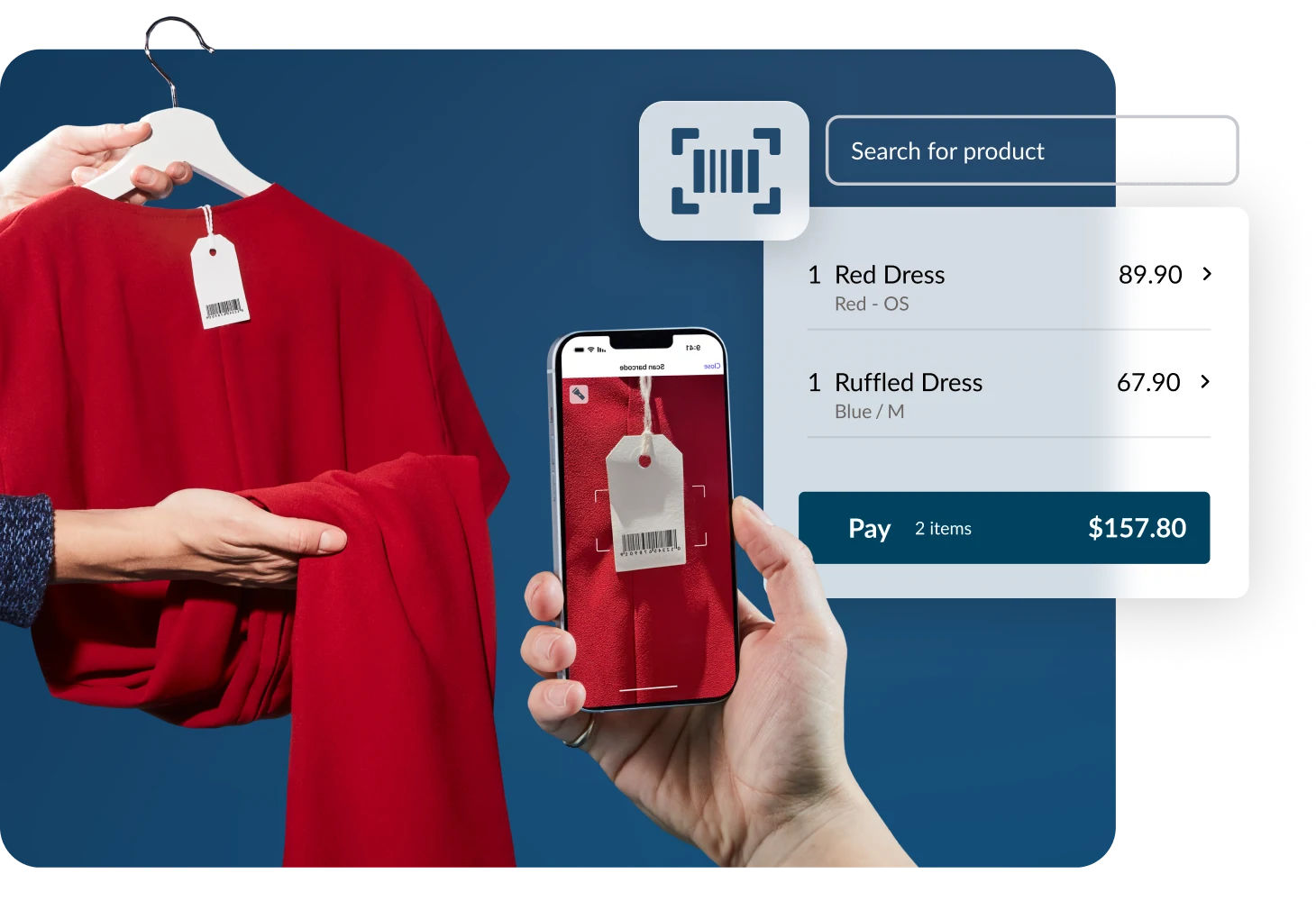
Manage your entire workflow, from order to floor, all in one place

Keep inventory levels, costs, incoming stock and sales in sync by managing ordering and receiving in one place.

Cut down errors and double handling
No exporting reports, no transcribing counts into a spreadsheet, no reconciling later. It’s all updated in one workflow.

Get better visibility into your bottom line
Get a truer picture of margins, COGS and stock value with the latest pricing, freight, duties and handling factored in.

Make smarter reorder decisions—faster
See your full stock position rather than a snapshot; create or add products to POs directly from inventory reports."
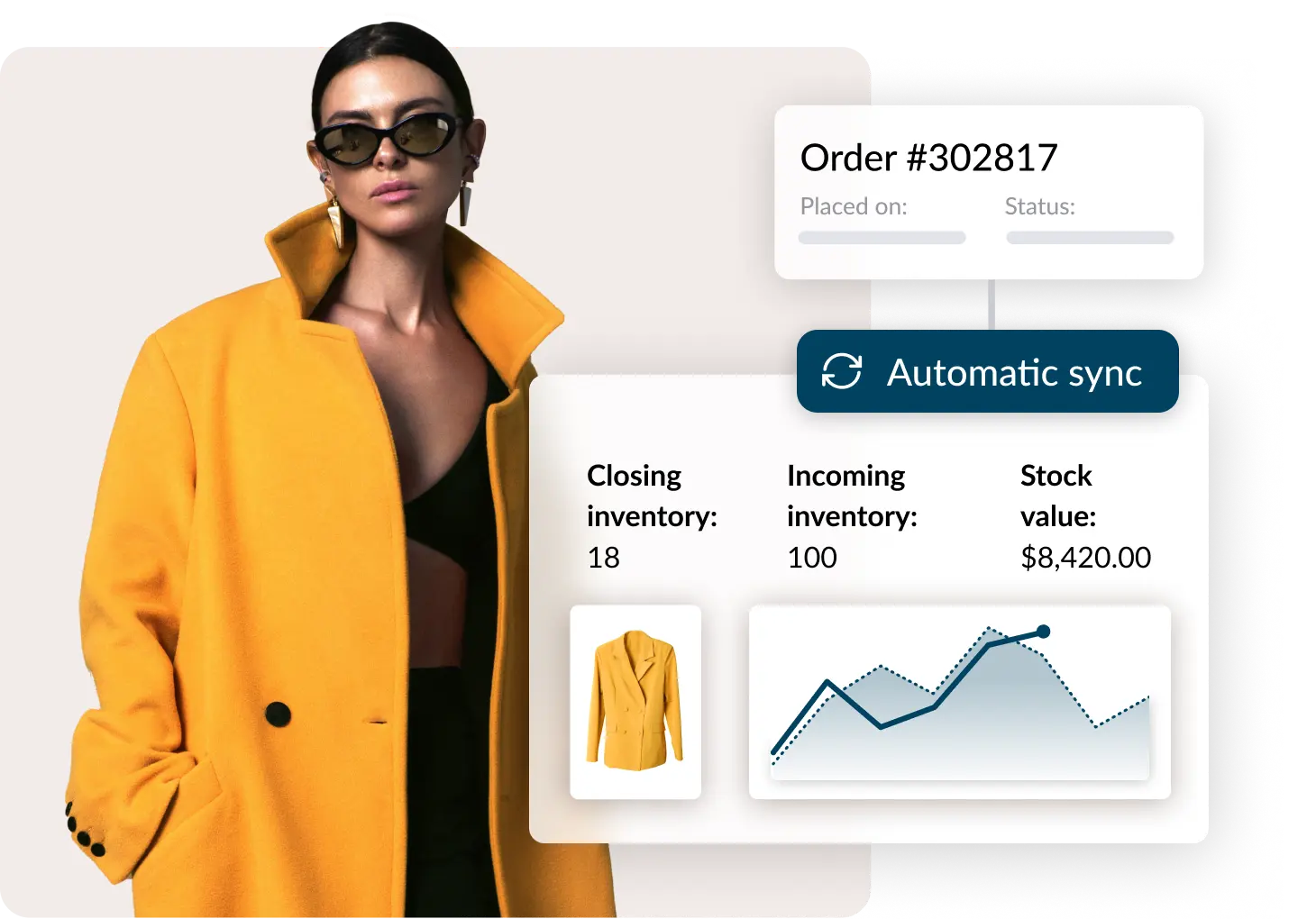
Make smarter inventory decisions with Lightspeed Insights

With demand forecasting and automated reporting, Lightspeed Insights helps retailers improve efficiency and can add ~$4,457 to monthly gross profit based on the typical value of inventory held by Lightspeed retailers—boosting GMROI by 25.4%*.

  • Never get caught short with estimated sales and out-of-stock periods for your bestsellers.
  • Forecast confidently with tailored recommendations for seasonal and non-seasonal items.
  • Order and receive product in one place so stock counts and true costs update automatically.
  • Stay informed with automatic dashboards and scheduled reports sent to your inbox.
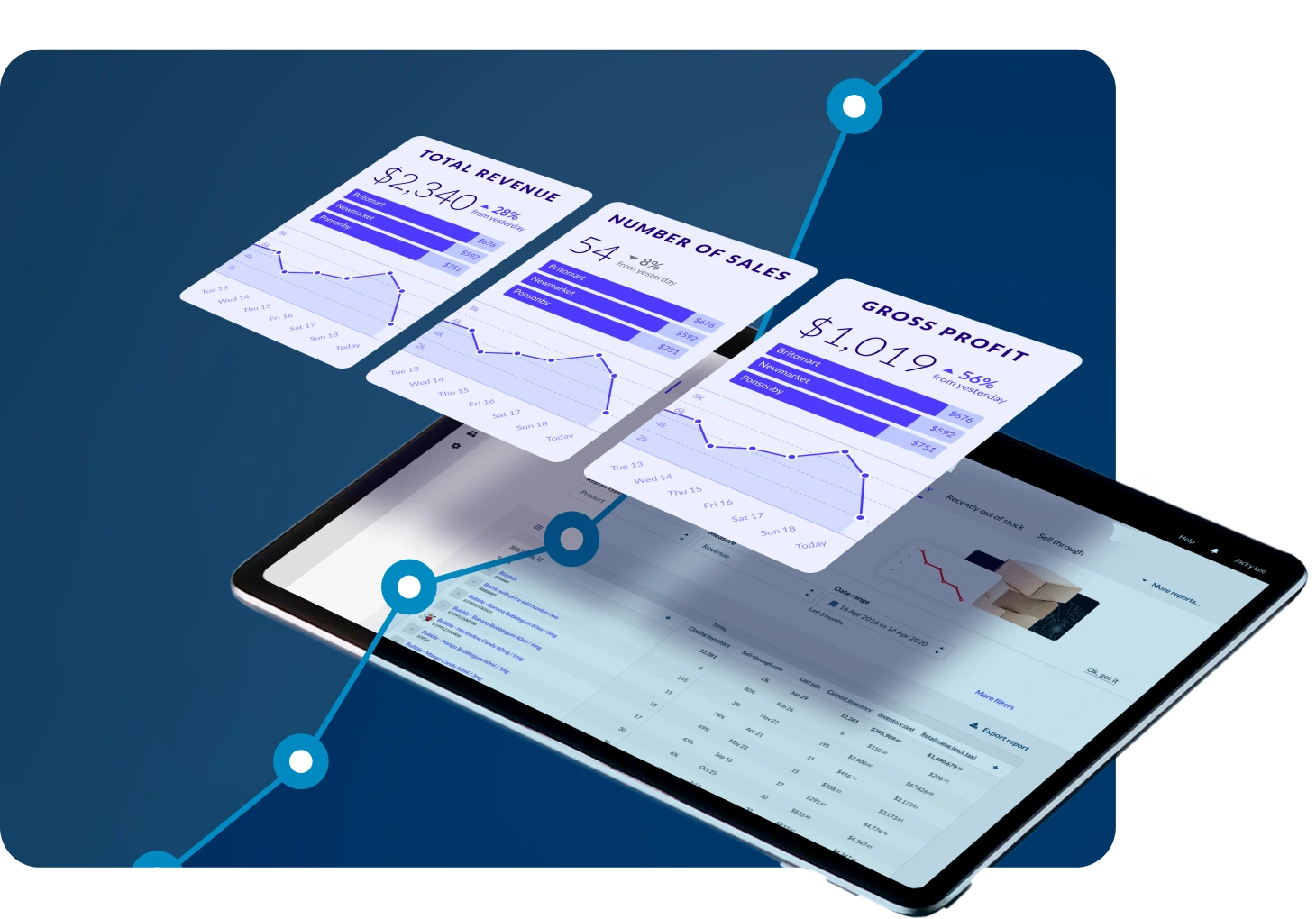
Inventory management, built right into your POS

With Lightspeed, inventory management is built into your POS—so every sale, stock movement and supplier order stays connected, for quick visibility and control without switching between systems.

  • Track stock in real time: Every sale and return updates inventory across all stores and channels.
  • Order and receive with ease: Create POs, restock shelves, and receive products directly in your POS.
  • Unify sales and inventory data: Access accurate reports that combine stock, sales and customer insights in one place.
  • Scale without silos: Manage multiple locations, suppliers and channels from a single integrated platform.
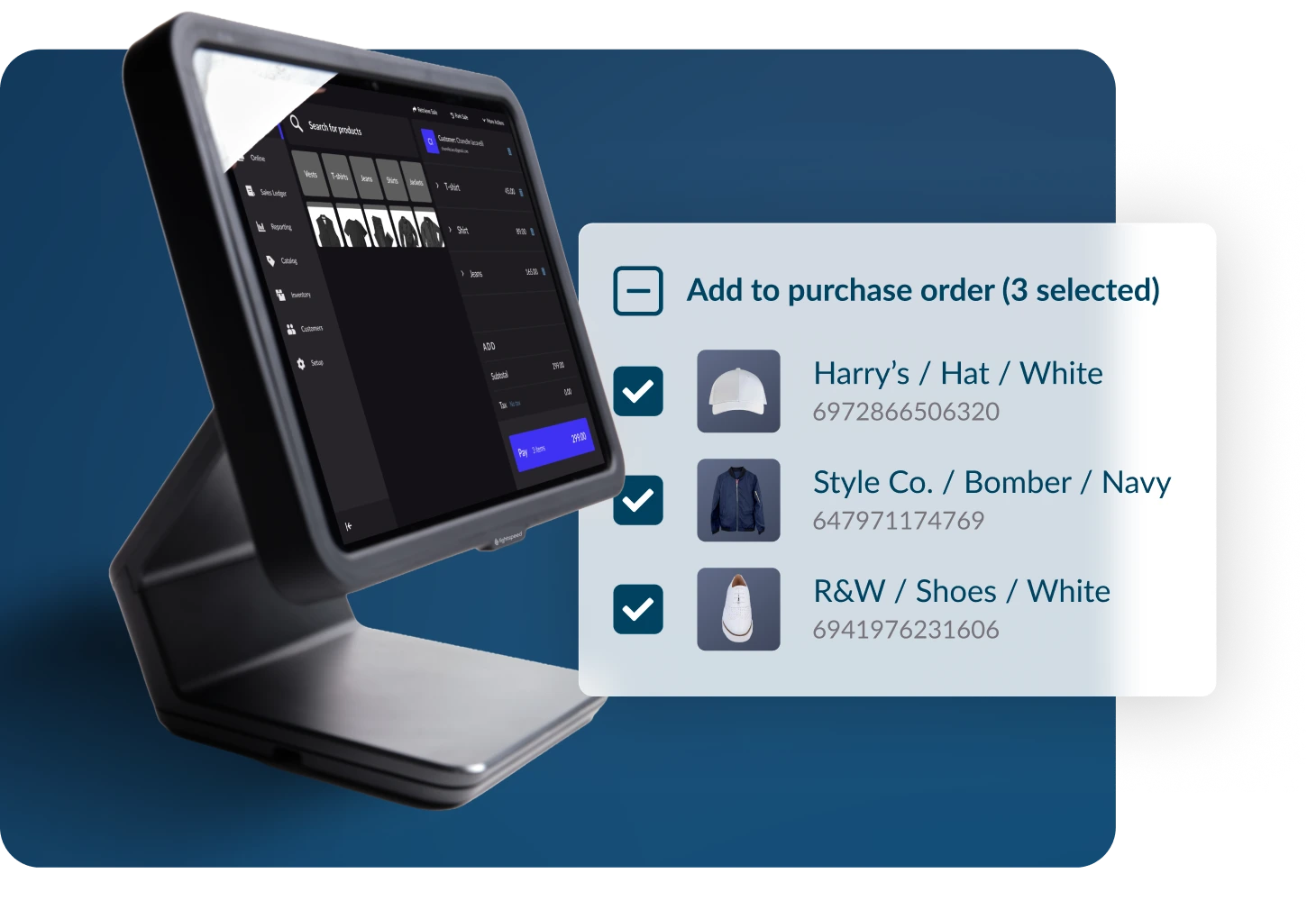
Simplify your ordering with built-in purchase orders

Create and manage purchase orders right from your POS inventory system to cut down manual updates and get a more accurate view of costs, COGS and margins.

Set up your order

Choose your supplier, select delivery locations and add key details in seconds.

Add products

Search, scan, import via CSV or use smart reorder recommendations to add items.

Review and send

Apply costs or discounts, confirm quantities, then send the order to your supplier directly from POS.

Track and receive

Monitor order status, mark as dispatched and receive stock seamlessly into your system.

Stay in control with real-time visibility across channels

Lightspeed gives you one source of truth for products, variants and stock across every store and channel—so you can stay accurate, scale with confidence and stay in control from one powerful cloud-based system.

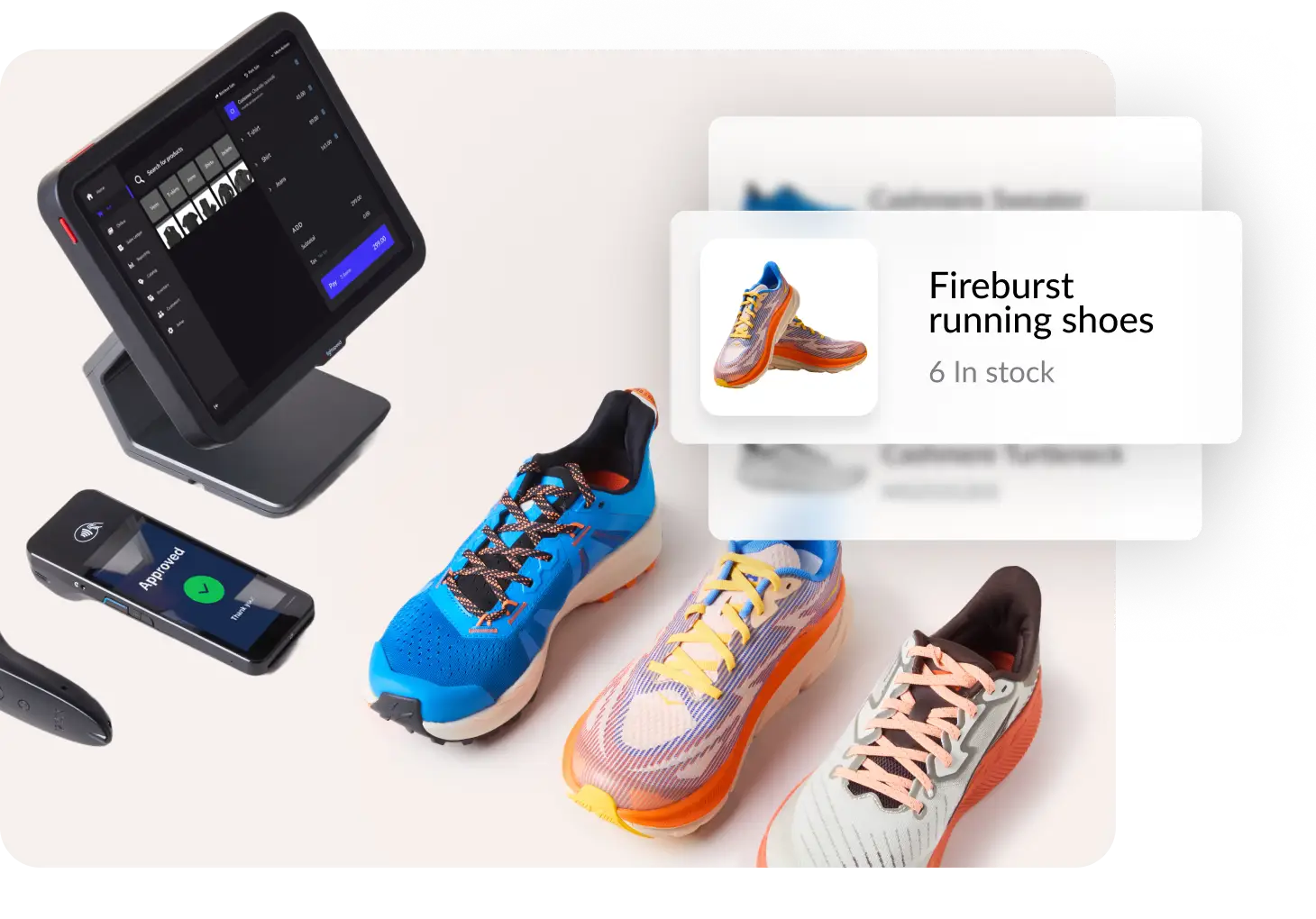
  • Track inventory levels and SKUs across multiple locations, no matter where you are.
  • Create product variants to manage different sizes, colours and more.
  • Identify inventory with unique serial numbers in any of your locations from a single search.
  • Track and understand stock changes with custom adjustment reasons and detailed reporting.
Our customers


Smarter pricing and margin control

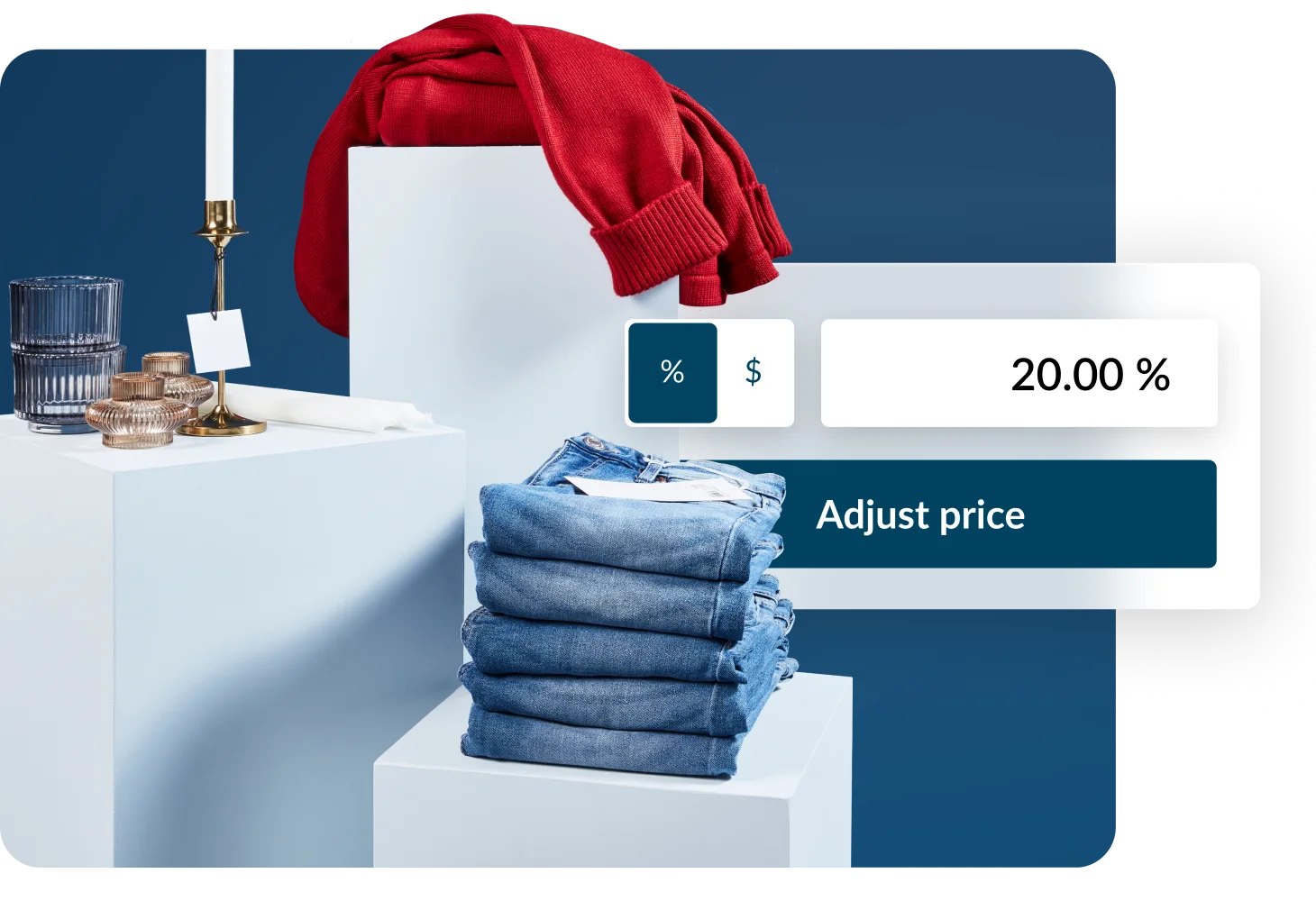
Lightspeed helps you manage pricing, promotions, and true product costs across all channels, so you can stay agile, protect margins and price with confidence.

  • Bulk price updates: Quickly adjust prices across stores and channels in seconds, including seasonal promotions and loyalty pricing.
  • Protect your margins: Factor in supplier, shipping and duty costs with landed cost calculations, to help ensure your cost of goods sold (COGS) is always accurate.
  • Flexible pricing strategies: Use price books and distributed costs to run promotions, maintain profitability and respond to changing market conditions.
Try Lightspeed Retail for free

Become the go-to retailer with Lightspeed’s complete solution. 14-day trial. Unlimited access to eligible features. No credit card required.

244 results found
  • Afghanistan+93
  • Åland Islands+358
  • Albania+355
  • Algeria+213
  • American Samoa+1
  • Andorra+376
  • Angola+244
  • Anguilla+1
  • Antigua & Barbuda+1
  • Argentina+54
  • Armenia+374
  • Aruba+297
  • Ascension Island+247
  • Australia+61
  • Austria+43
  • Azerbaijan+994
  • Bahamas+1
  • Bahrain+973
  • Bangladesh+880
  • Barbados+1
  • Belarus+375
  • Belgium+32
  • Belize+501
  • Benin+229
  • Bermuda+1
  • Bhutan+975
  • Bolivia+591
  • Bosnia & Herzegovina+387
  • Botswana+267
  • Brazil+55
  • British Indian Ocean Territory+246
  • British Virgin Islands+1
  • Brunei+673
  • Bulgaria+359
  • Burkina Faso+226
  • Burundi+257
  • Cambodia+855
  • Cameroon+237
  • Canada+1
  • Cape Verde+238
  • Caribbean Netherlands+599
  • Cayman Islands+1
  • Central African Republic+236
  • Chad+235
  • Chile+56
  • China+86
  • Christmas Island+61
  • Cocos (Keeling) Islands+61
  • Colombia+57
  • Comoros+269
  • Congo - Brazzaville+242
  • Congo - Kinshasa+243
  • Cook Islands+682
  • Costa Rica+506
  • Côte d’Ivoire+225
  • Croatia+385
  • Cuba+53
  • Curaçao+599
  • Cyprus+357
  • Czechia+420
  • Denmark+45
  • Djibouti+253
  • Dominica+1
  • Dominican Republic+1
  • Ecuador+593
  • Egypt+20
  • El Salvador+503
  • Equatorial Guinea+240
  • Eritrea+291
  • Estonia+372
  • Eswatini+268
  • Ethiopia+251
  • Falkland Islands+500
  • Faroe Islands+298
  • Fiji+679
  • Finland+358
  • France+33
  • French Guiana+594
  • French Polynesia+689
  • Gabon+241
  • Gambia+220
  • Georgia+995
  • Germany+49
  • Ghana+233
  • Gibraltar+350
  • Greece+30
  • Greenland+299
  • Grenada+1
  • Guadeloupe+590
  • Guam+1
  • Guatemala+502
  • Guernsey+44
  • Guinea+224
  • Guinea-Bissau+245
  • Guyana+592
  • Haiti+509
  • Honduras+504
  • Hong Kong SAR China+852
  • Hungary+36
  • Iceland+354
  • India+91
  • Indonesia+62
  • Iran+98
  • Iraq+964
  • Ireland+353
  • Isle of Man+44
  • Israel+972
  • Italy+39
  • Jamaica+1
  • Japan+81
  • Jersey+44
  • Jordan+962
  • Kazakhstan+7
  • Kenya+254
  • Kiribati+686
  • Kosovo+383
  • Kuwait+965
  • Kyrgyzstan+996
  • Laos+856
  • Latvia+371
  • Lebanon+961
  • Lesotho+266
  • Liberia+231
  • Libya+218
  • Liechtenstein+423
  • Lithuania+370
  • Luxembourg+352
  • Macao SAR China+853
  • Madagascar+261
  • Malawi+265
  • Malaysia+60
  • Maldives+960
  • Mali+223
  • Malta+356
  • Marshall Islands+692
  • Martinique+596
  • Mauritania+222
  • Mauritius+230
  • Mayotte+262
  • Mexico+52
  • Micronesia+691
  • Moldova+373
  • Monaco+377
  • Mongolia+976
  • Montenegro+382
  • Montserrat+1
  • Morocco+212
  • Mozambique+258
  • Myanmar (Burma)+95
  • Namibia+264
  • Nauru+674
  • Nepal+977
  • Netherlands+31
  • New Caledonia+687
  • New Zealand+64
  • Nicaragua+505
  • Niger+227
  • Nigeria+234
  • Niue+683
  • Norfolk Island+672
  • North Korea+850
  • North Macedonia+389
  • Northern Mariana Islands+1
  • Norway+47
  • Oman+968
  • Pakistan+92
  • Palau+680
  • Palestinian Territories+970
  • Panama+507
  • Papua New Guinea+675
  • Paraguay+595
  • Peru+51
  • Philippines+63
  • Poland+48
  • Portugal+351
  • Puerto Rico+1
  • Qatar+974
  • Réunion+262
  • Romania+40
  • Russia+7
  • Rwanda+250
  • Samoa+685
  • San Marino+378
  • São Tomé & Príncipe+239
  • Saudi Arabia+966
  • Senegal+221
  • Serbia+381
  • Seychelles+248
  • Sierra Leone+232
  • Singapore+65
  • Sint Maarten+1
  • Slovakia+421
  • Slovenia+386
  • Solomon Islands+677
  • Somalia+252
  • South Africa+27
  • South Korea+82
  • South Sudan+211
  • Spain+34
  • Sri Lanka+94
  • St. Barthélemy+590
  • St. Helena+290
  • St. Kitts & Nevis+1
  • St. Lucia+1
  • St. Martin+590
  • St. Pierre & Miquelon+508
  • St. Vincent & Grenadines+1
  • Sudan+249
  • Suriname+597
  • Svalbard & Jan Mayen+47
  • Sweden+46
  • Switzerland+41
  • Syria+963
  • Taiwan+886
  • Tajikistan+992
  • Tanzania+255
  • Thailand+66
  • Timor-Leste+670
  • Togo+228
  • Tokelau+690
  • Tonga+676
  • Trinidad & Tobago+1
  • Tunisia+216
  • Turkey+90
  • Turkmenistan+993
  • Turks & Caicos Islands+1
  • Tuvalu+688
  • U.S. Virgin Islands+1
  • Uganda+256
  • Ukraine+380
  • United Arab Emirates+971
  • United Kingdom+44
  • United States+1
  • Uruguay+598
  • Uzbekistan+998
  • Vanuatu+678
  • Vatican City+39
  • Venezuela+58
  • Vietnam+84
  • Wallis & Futuna+681
  • Western Sahara+212
  • Yemen+967
  • Zambia+260
  • Zimbabwe+263
.retail.lightspeed.app
Please complete the reCaptcha challenge

By clicking Get started you agree to the
Terms of Service and privacy policy .

By submitting this form, you agree that Lightspeed may call or text the number provided about Lightspeed products and services, including using an automatic telephone dialing system and an artificial or prerecorded voice. Consent is not required to purchase. Msg/data rates may apply. You may opt out at any time. See our Privacy Policy for more details.

Frequently asked questions

What is retail inventory software?

Retail inventory software is a specialized tool that enables stores to efficiently manage and track their stock levels. Inventory management software helps retailers maintain accurate records of their inventory, streamline operations and optimize their stock based on sales trends and forecasts.

Stores can keep track of inventory using inventory management systems that monitor stock levels, manage reordering and track sales. Systems like Lightspeed update in seconds, helping to ensure that sales and stock levels are always synchronized. It also provides analytics to help retailers make informed decisions about stock replenishment and markdowns.

An inventory tracking system is a part of inventory management that focuses specifically on monitoring the quantities of goods in stock, and potentially their location within a store or warehouse. A POS (Point of Sale) inventory management system integrates the sales and inventory functions, enabling automatic tracking of inventory as sales occur. This system helps retailers understand what is selling well and what isn’t, allowing them to adjust purchasing and marketing strategies accordingly. It simplifies the sales process by automatically updating inventory levels as transactions are processed at the point of sale.

This system is crucial for retailers to ensure they have the right products in the right quantities at the right time, maximizing sales potential and minimizing holding costs.

Which inventory system is best for a small business?

Choosing the best inventory system for a small business depends on several factors, including the business's size, budget and specific operational needs. Software for inventory management should offer features like automatic stock level updates, multi-channel sales integration, supplier and purchase order management, and detailed analytics on inventory turnover and sales trends. The ideal software also includes forecasting tools to help predict future sales and inventory needs based on historical data.

To pick the right system for your business:

1. Assess needs: determine what features are most important for your business, such as sales tracking, order management or customer data integration.
2. Choose software: select software that fits your budget and meets your identified needs. It should allow for easy input and tracking of inventory, sales monitoring and data analysis.
3. Set up and integration: implement the software, set up product categories and integrate it with other systems like accounting or customer relationship management (CRM) if necessary. Look for professional onboarding services from your POS provider to speed up the process.
4. Train: train staff on how to use the system efficiently to ensure accuracy in data entry and operations. Your POS provider may be able to assist.

Which is the best inventory management software for wholesale and retail businesses?

The best software for wholesale and retail is one that combines POS functionalities with inventory management in a single interface. Look for features like multi-store management, ecommerce integration and mobile accessibility, which allow retail managers to oversee their operations on the go. Effective software also provides detailed reports that aid in making informed purchasing decisions and optimizing product placement and promotions based on data-driven insights.

Selecting the best inventory management software for both wholesale and retail businesses is crucial for streamlining operations, reducing costs and enhancing customer satisfaction. Effective inventory management software should cater to the unique needs of both sectors, supporting extensive inventory volumes for wholesalers and diverse product assortments for retailers.

Retailers can manage their inventory efficiently by implementing software that offers real-time tracking, automated restocking alerts and detailed analytics on sales patterns and customer preferences.

Wholesalers typically manage large volumes of products and require robust software that can handle bulk processing and track inventory across multiple locations. Essential features include batch tracking, barcode scanning and integration with supply chain management tools.

Can I connect my retail inventory to ecommerce through Lightspeed?

Yes, you can connect your retail inventory to ecommerce with Lightspeed. Lightspeed Retail and Lightspeed eCom are an integrated system that allow you to manage your inventory data for both sales channels from one platform. You'll be able to connect your webstore with your brick and mortar location's inventory for streamlined sales and stock management.

How can I migrate inventory data to Lightspeed?

You can quickly transition to Lightspeed Retail by using a spreadsheet to import your inventory. Learn more about importing products to Lightspeed Retail (X-Series) here.

Do POS systems track inventory?

Yes, most modern POS systems include inventory tracking features, but the level of functionality varies. With Lightspeed Retail, pos inventory software is built in—so every sale, return and stock movement updates automatically across all your channels and locations. This visibility helps reduce stockouts, prevent overstocking and keep your records accurate without relying on spreadsheets or manual updates.

Can you schedule an automatic restock in the inventory management system?

While POS systems don’t usually reorder stock completely on their own, advanced pos inventory software like Lightspeed let you automate much of the process. You can set reorder points and low-stock alerts, generate purchase orders in seconds and even receive data-driven order recommendations through Lightspeed Insights. This way, restocking becomes faster, more accurate and less dependent on manual work.